How to take a compliant ID photo at home
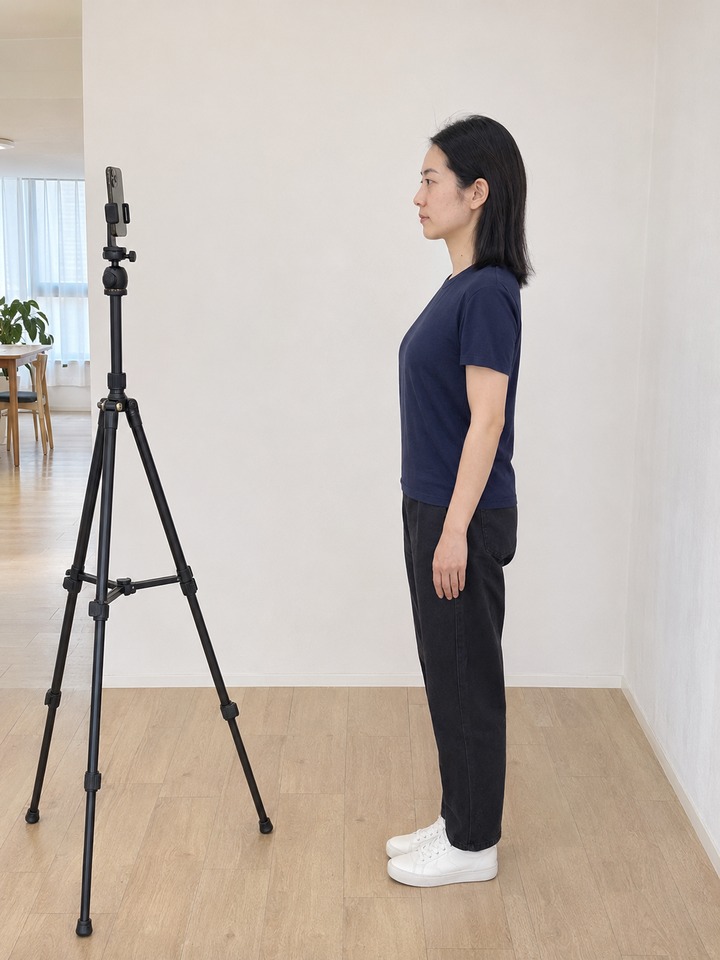
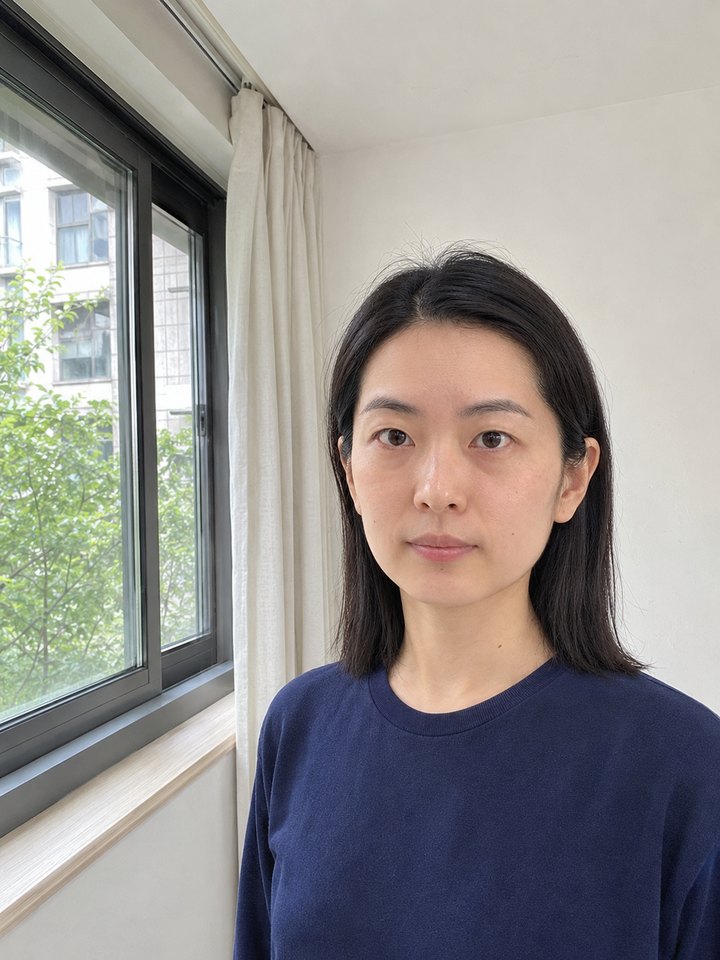
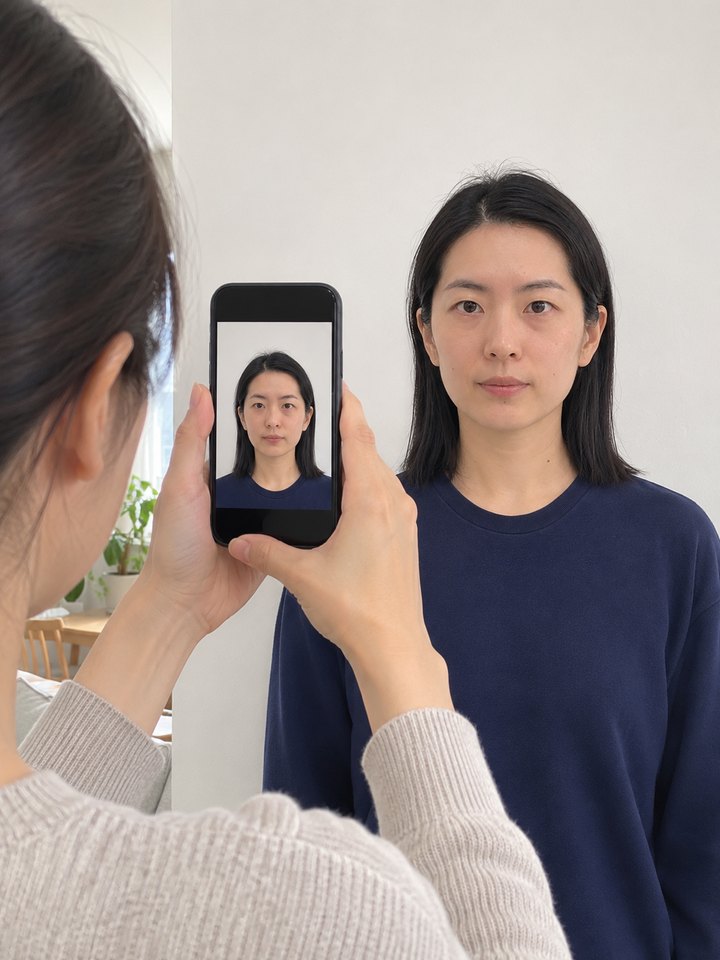
Requirements at a glance
| Photo type | Size | Chin to top of head | Background |
|---|---|---|---|
| US passport | 2×2 in (51×51 mm) | 1–1⅜ in (25–35 mm) | White or off-white |
| UK passport | 35×45 mm | 29–34 mm (to the crown, not the top of the hair) | Light grey or cream |
| Japan passport | 35×45 mm | 32–36 mm (34±2) | Plain, light-colored |
| Taiwan passport | 35×45 mm | 32–36 mm | White |
| US visa / DV lottery | 2×2 in; digital 600×600 px, max 240 KB | 50–69% of image height | White or off-white |
| Schengen visa | 35×45 mm | 32–36 mm (face 70–80%) | White or off-white |
| China visa | 33×48 mm; digital 354×472 px, 40–120 KB | 28–33 mm | White |
| South Korea passport | 35×45 mm | 32–36 mm (excluding hair) | White |
| Japan My Number card | 35×45 mm (online: 480 px min) | 32–36 mm (34±2) | Plain |
| Japan residence card | 30×40 mm | 22–28 mm (including hair) | Plain |
| Japan driver license | 24×30 mm | Not specified (chest up) | Plain |
| Taiwan national ID | 35×45 mm | 32–36 mm | White |
Glasses have not been allowed in US passport photos since November 2016. Requirements are summarized from each government’s published guidance — always check the latest rules before applying.
How to print
Click “Download print layout” to get a 4×6 in or L-size file, choose the matching photo size at a drugstore kiosk, photo lab or convenience store, print at actual size (100%), and cut along the grey lines. For online applications, use “Download single photo”.
FAQ
Is my photo uploaded?
No. Everything runs in your browser; your photo is never sent to a server.
Why won’t it replace the background for passport photos?
The US, UK, Japan and Taiwan all prohibit editing official ID photos, and a replaced background can get your application rejected. So “ID photo” only crops, resizes and lays out your photo — and checks whether your background meets the rules. For résumés and social profiles, use “Retouch” to change the background.
Can I wear glasses?
Not for US passports. Other countries often allow them, but there must be no glare and the frames must not cover your eyes. If in doubt, take them off.
If every check passes, will my photo be accepted?
We can’t guarantee it. The tool checks against published requirements, but the final decision is made by the issuing authority.
Why is the first run slower?
The first time, your browser downloads the recognition models. They’re saved afterwards, so the tool works even offline.